St. Laurent. April 3, 2020 – A journey of a thousand miles starts with just one step. For The SolidXperience Group, that step happened on March 21st, 2020 on a couch in the socially distant living room of CEO, Alex Habrich. While watching the news with his wife, Susie, both growing increasingly concerned with the spread of COVID-19, she came across an advertisement for the Code Life Ventilator Challenge. Knowing him and the abilities of the people he employs, it was the perfect opportunity. “I know you can do this – go save lives”. That was all it took!
Our directive was clear: Design a low-cost, simple, easy-to-use, and easy-to-build ventilator that could serve COVID-19 patients, as quickly as possible. The following day Alex asked for volunteers, and a diverse team was curated from three companies and various backgrounds.
“This project is a collaboration of people from both Canada and the United States, with everyone teleworking!” – Alex P. Habrich, The SolidXperience Group CEO
Within 24 hours a team was gathered, within 8 days the designs were submitted to the challenge hosts, and within a month The SolidXperience Group will be testing a fully functional prototype of the complete OXYGEN field-ready ventilator system.
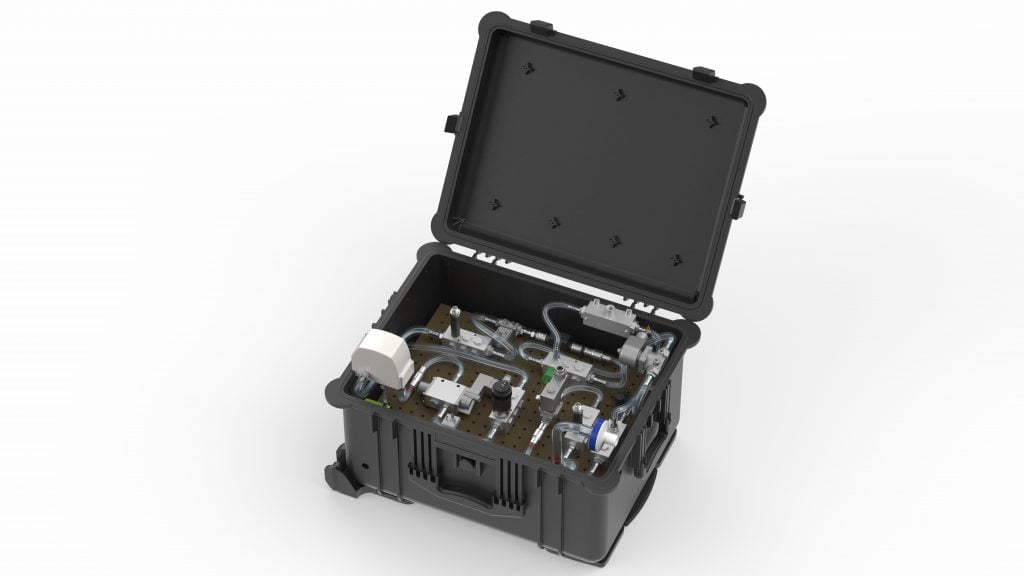 “It feels like drowning is”, the most common report from the COVID-19 patients requiring breathing assistance, and with that imagery, we took inspiration from the simplicity of a scuba breathing apparatus. The SolidXperience Group officially began tackling the problem on March 23rd, ready to help save the world however they could.
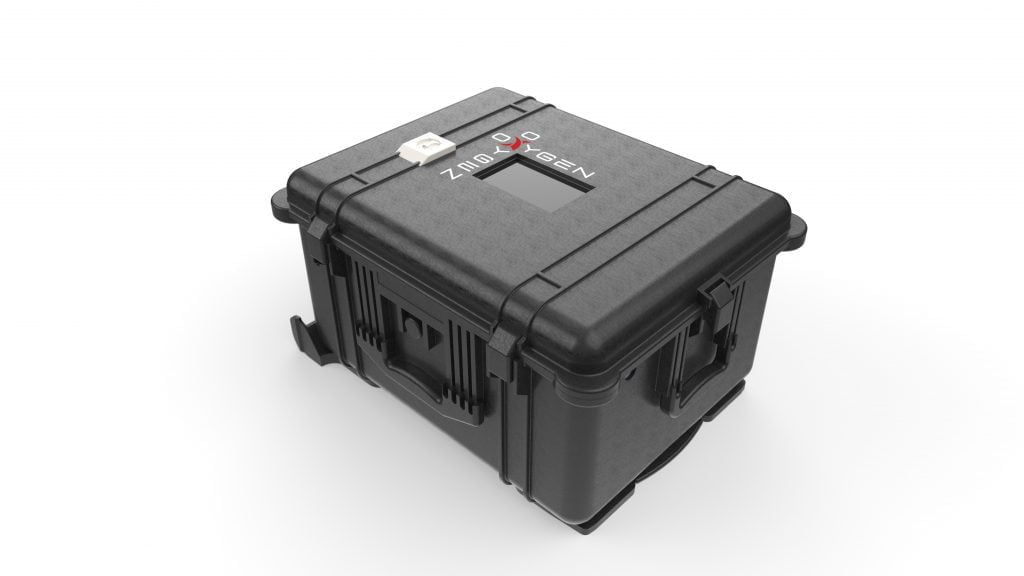
The group quickly decided the best course of action would be to produce a machine that could both conventionally connect in a hospital setting and run as a stand-alone unit in developing countries or emergency overflow.
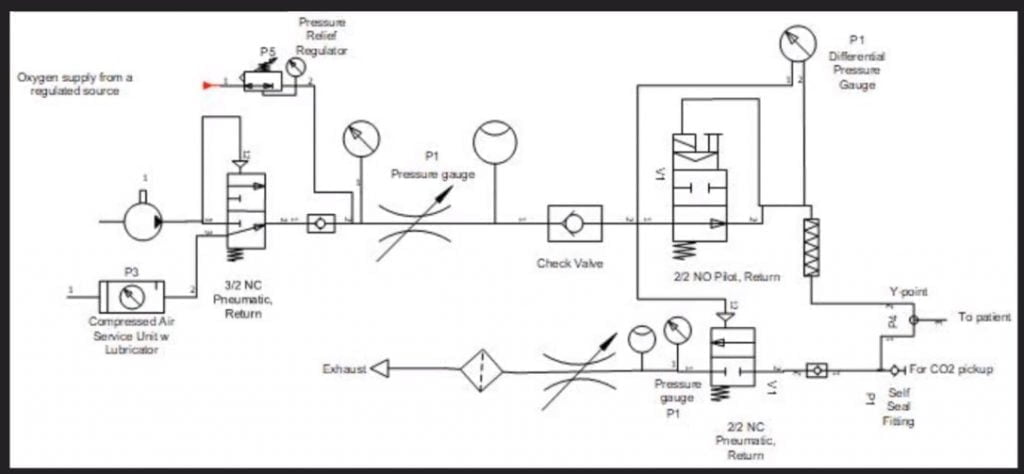 The next step was to analyze the given product specifications and start creating schematic diagrams defining the required parts and showing how those parts interact to create the desired results. With the help of the project’s panel of medical advisors, the group was able to take the initial schematic designs and modify them as a collaborative team. All online!
Then commenced several fast-paced days of editing, revision, discussion, and decision. Affordability always being a key factor. The device needed survivability, an intuitive setup and user interface, easily maintained and replaceable parts, and it needed to be kept as inexpensive to manufacture, in mass, as possible. This iterative process proceeded until March 29th at which time schematics were finalized. With the engineering in place, product design took off.
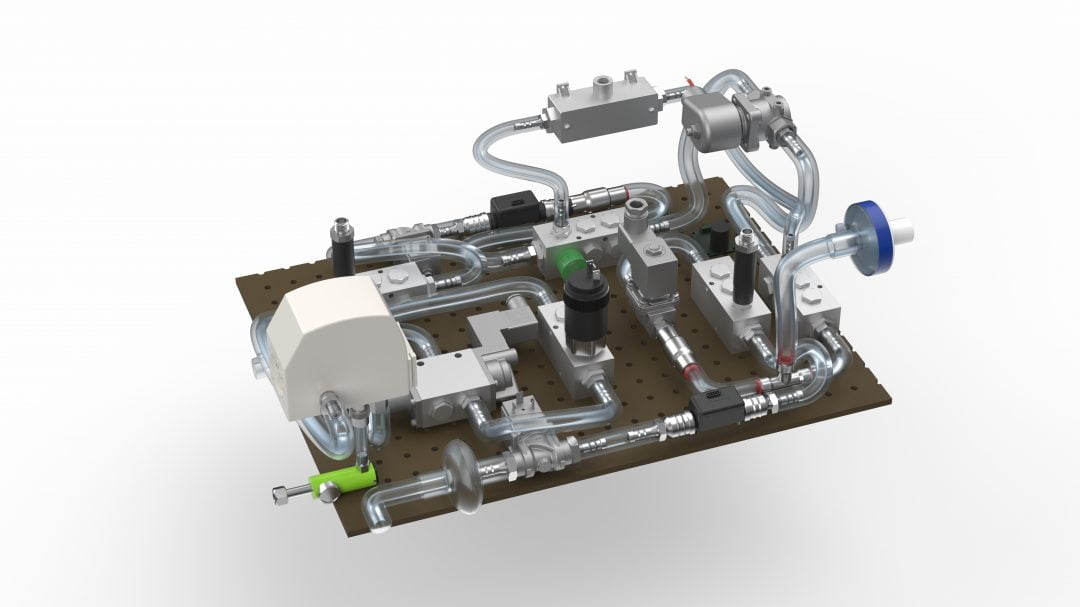 Next, packaging: getting all the required components to fit into a manageable, transportable, robust, easy-to-operate, and reliable case. Under the pressure of the CODE LIFE contest entry submission date of March 31st, this process was successfully started and completed on March 30th. Concurrently, the digital interface was coded to manage the internal valves, solenoids, and sensors necessary to provide a clear and secure on/off readout and warning alarms.
11:58 p.m. March 31st, 2020 – The SolidXperience Group successfully submitted their entry to the CODE LIFE Ventilator Challenge and walked away with a new purpose.
Inspired by how quickly and efficiently his team was able to redesign the ventilator system while physically separated and baffled by the inflated asking price for current machines, Alex decided regardless of the outcome of the contest, The SolidXperience Group would produce their more reliable and less expensive ventilators.
 The fight isn’t over yet, however! In the coming weeks, several more steps need to be taken quickly to meet the hopeful deadline of May 1st for a functioning prototype. As the physical pieces of the first construction are gathered the interface code must be tested and refined, and the assembly must go through a series of tests and simulations to determine that it meets pre-set standards and can be labeled ‘medical grade’.
Both companies in The SolidXperience Group, SolidXperts, and Mecanica Solutions, eagerly look forward to stepping out into the world, continuing our thousand-mile journey, and doing what we can to help save lives all over the world.
 Thank you to the following team members and professionals for their part in the success of this project!
Galin Brankov
Mélanie Giroux
Heather Gliniecki
Alex Gosselin
Alex Habrich
Nikhil Kaila
Nikita Lambert
Chung Ping Lu
Alexandr Magder
Sheldon Magder
Steven Murphy
Jean-François Niaison
John Nolin
Sakineh Orangi
Rod Peck
Michael Prioriello
Alain Provost
Charles-Olivier Provost
Raphaël Reid
Erica Saunders
Benjamin Whatleym
Check back regularly and follow us on social media to never miss an update. Reach out to us with any questions.
Wash your hands, stay home, and stay safe!

Any questions? Need help? Ask one of our experts.
Whether you’re ready to get started or just have a few more questions, you can contact us toll-free:

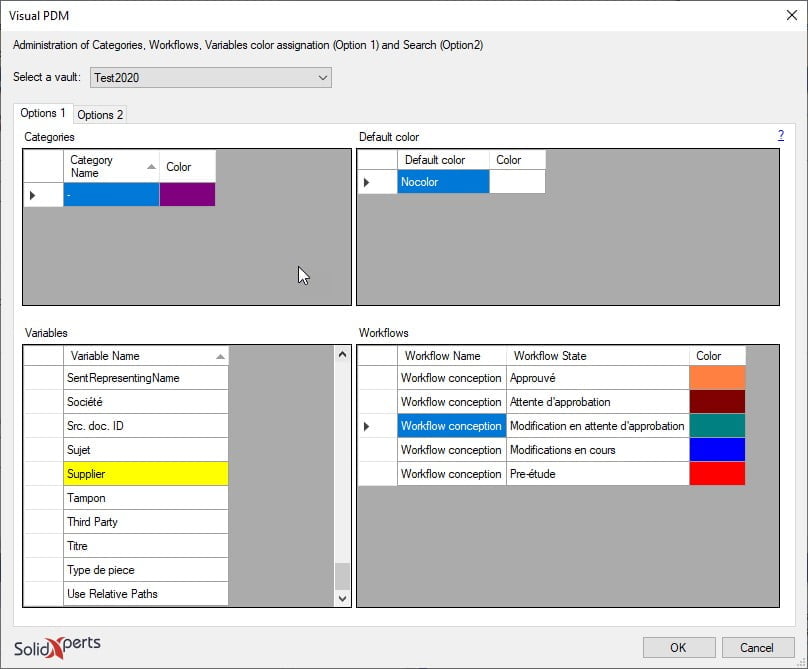 Here is the window that opens to allow you to key in the value and select the “Color” cell.
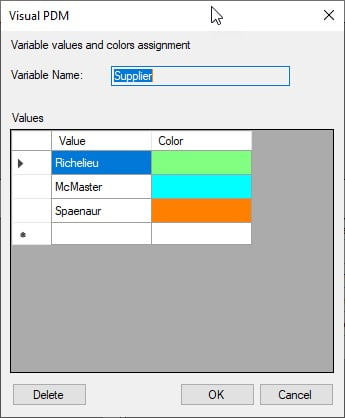 By clicking in the “Color” cell you obtain the following window to be able to select the desired color. Click on “Define Custom Colors“ to see the right end side of the window below.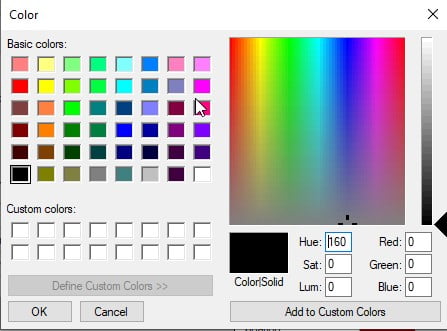
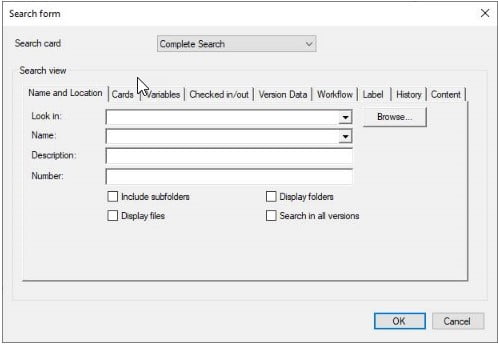

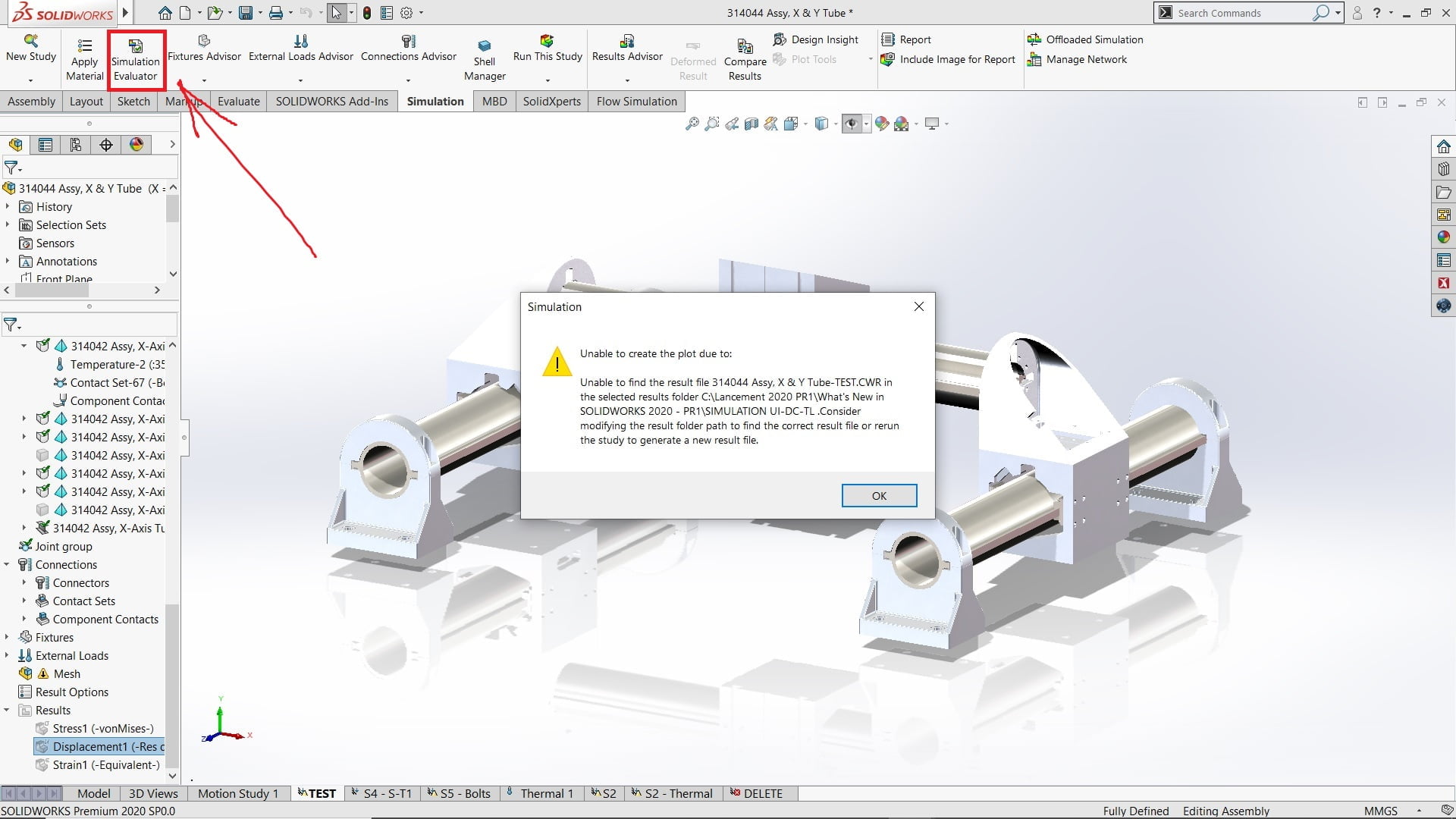
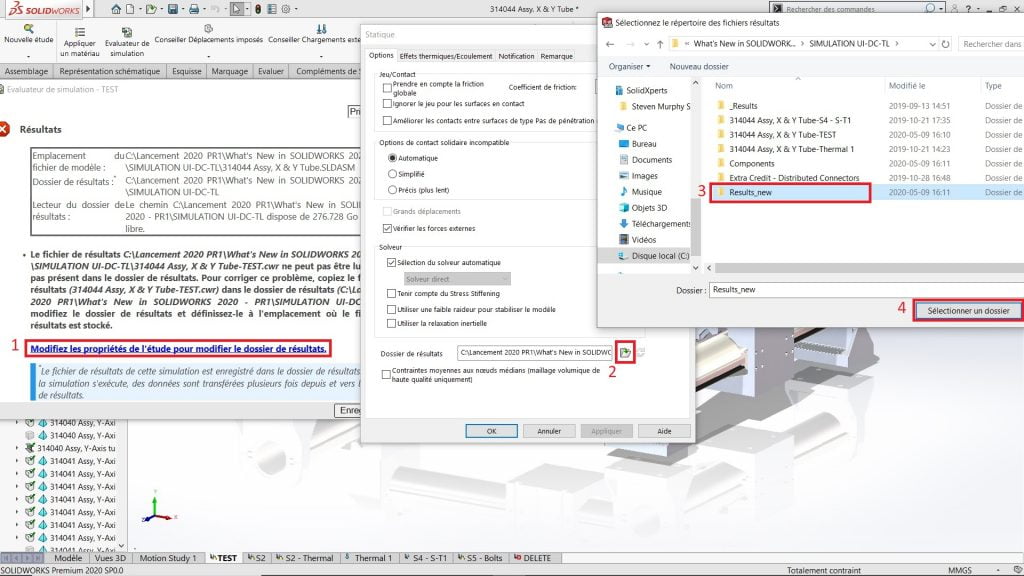
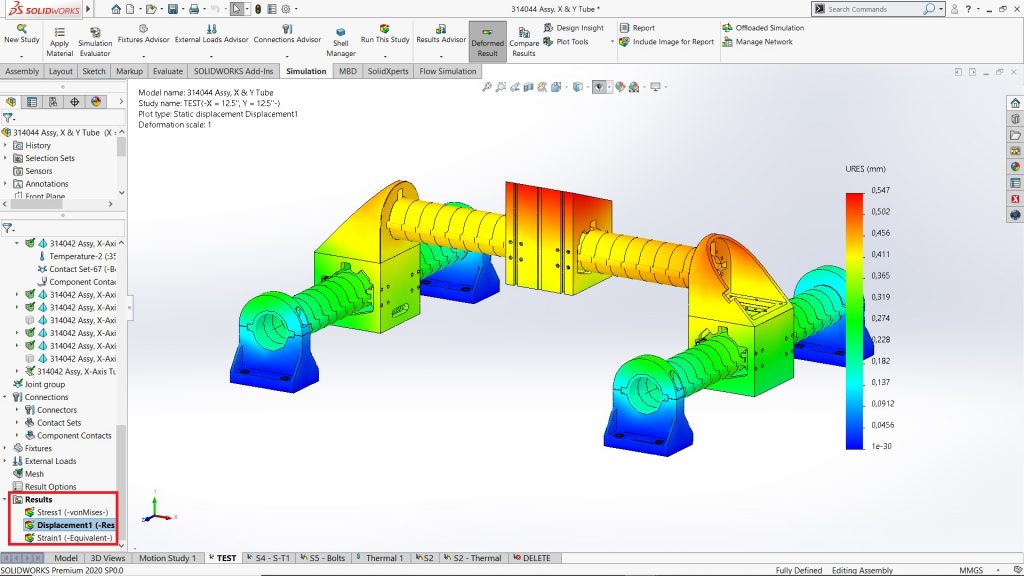
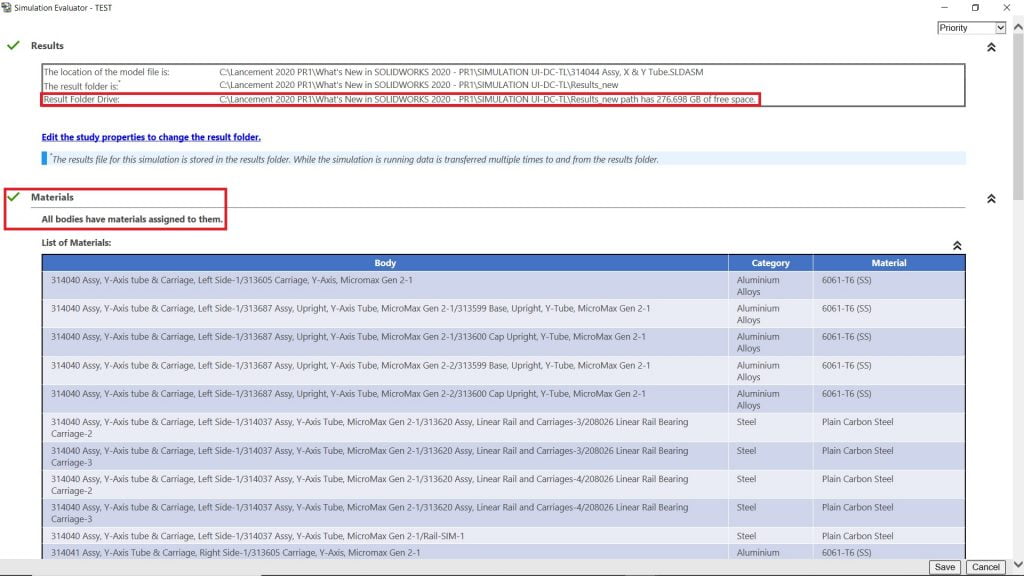
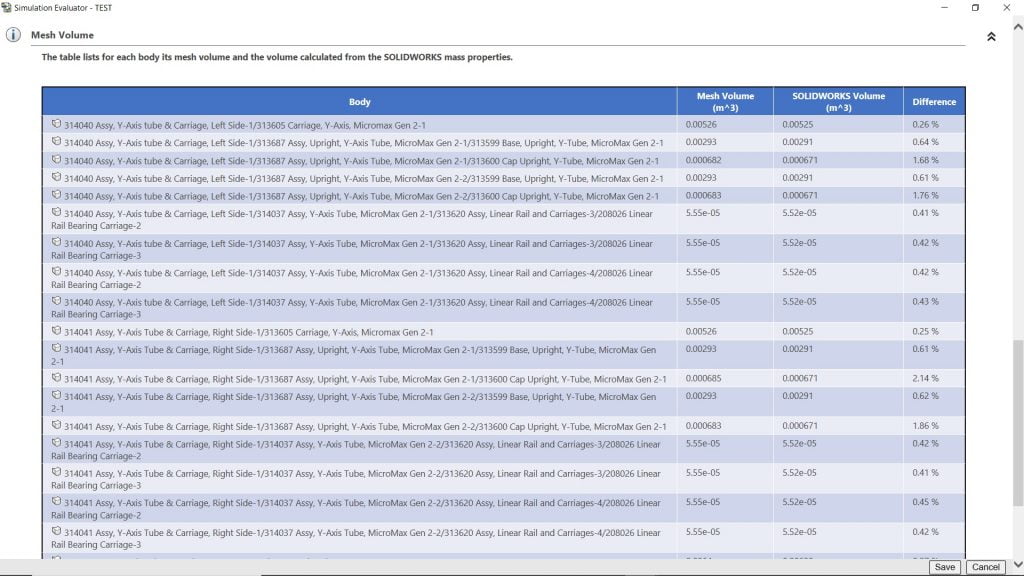 The Simulation Evaluator will enable you to ensure certain essential functions are defined correctly before you run a calculation, to avoid surprises. Reconnecting results files separate from your analyses has never been easier.