The 3DEXPERIENCE platform includes a powerful set of tools designed to support collaborative product development. Two of the most commonly used apps for storing and managing files are 3DDrive and 3DSpace.
At first glance, they can look similar, but they’re built for very different purposes. Understanding how each one is meant to be used will help your team work more efficiently and avoid confusion down the road.
What Is 3DDrive?
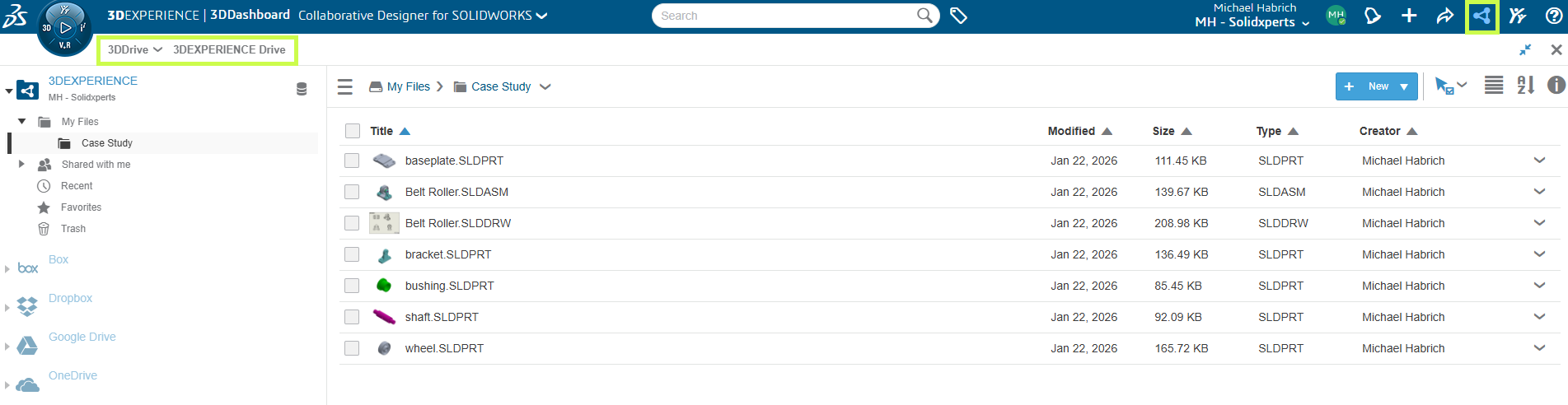
Think of 3DDrive as the 3DEXPERIENCE equivalent of tools like Dropbox or OneDrive.
3DDrive allows you to:
-
Store and access files from anywhere
-
Edit and collaborate on documents in real time
-
Share files easily, including with external users
-
Integrate with other cloud storage services
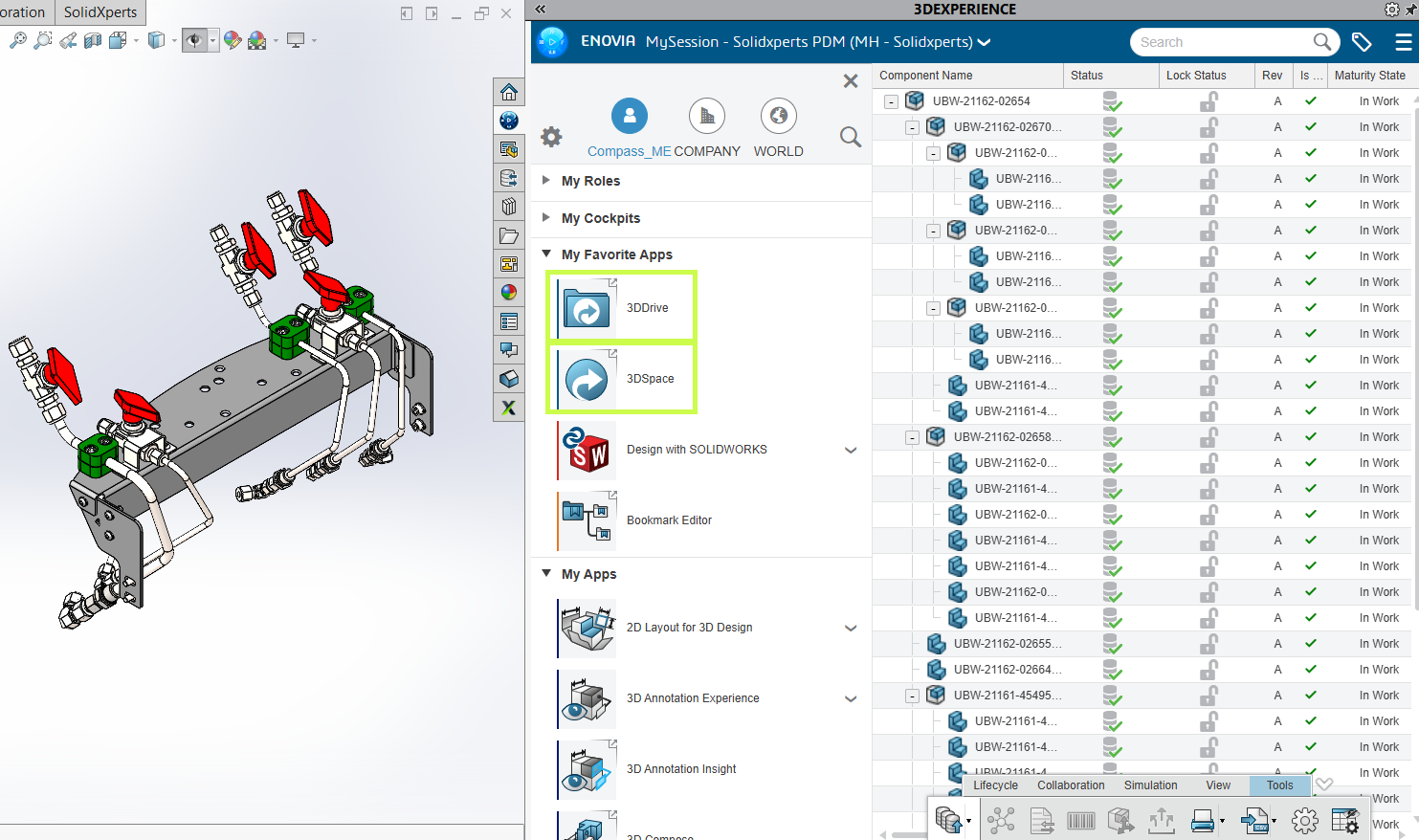
You’ll find 3DDrive under My Apps in the 3DEXPERIENCE platform, and it’s also accessible directly inside SOLIDWORKS.
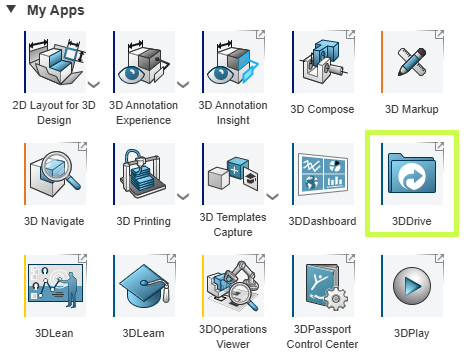
3DDrive uses a familiar folder based structure and focuses on flexibility and convenience. It’s a great choice for:
-
General file sharing
-
Early-stage collaboration
-
Working with customers, suppliers, or partners outside your organization
What it doesn’t include is built-in product data management there’s no revision control, lifecycle states, or formal approval process.
What Is 3DSpace?
3DSpace is built for teams that need structure, control, and traceability.
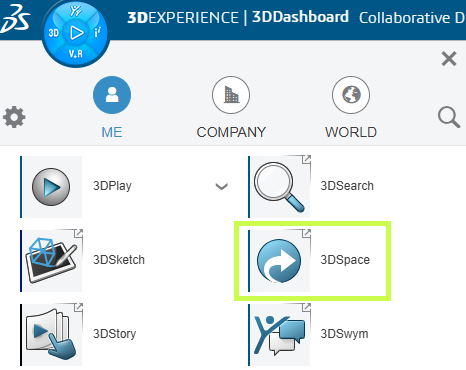
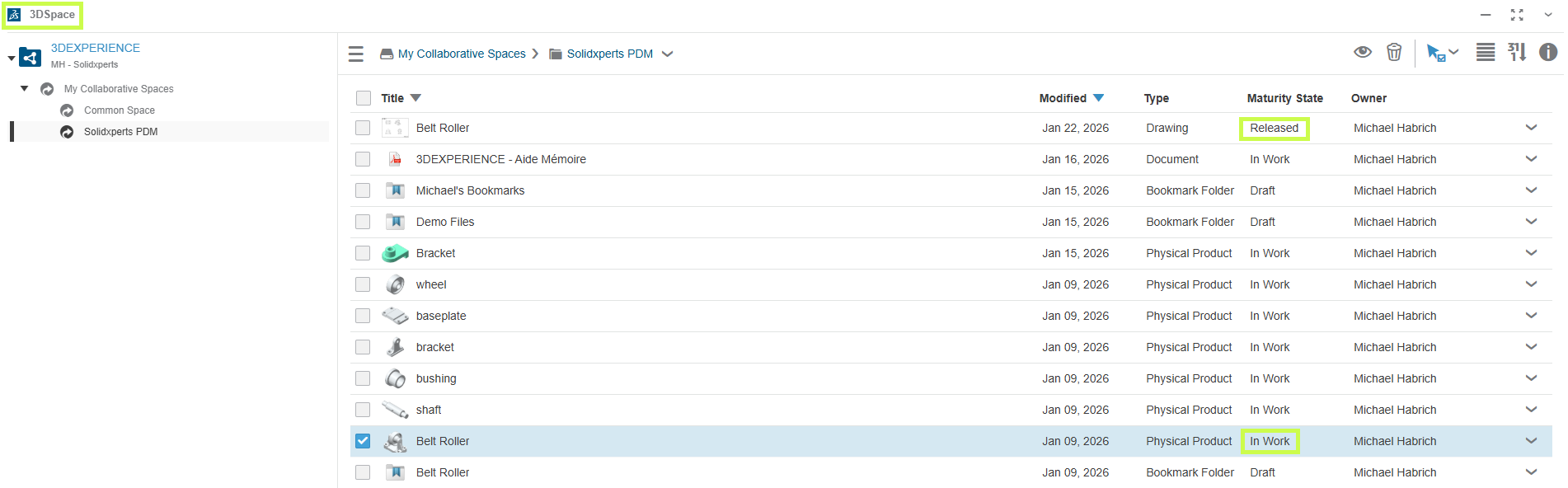
Instead of simple folders, 3DSpace is organized around Collaborative Spaces, where teams work together on shared project data. Within 3DSpace, you can:
-
Control access and permissions
-
Track revisions and history
-
Assign maturity states like In Work and Released
-
Lock files to prevent conflicting edits
These capabilities make 3DSpace a strong foundation for PLM-driven workflows, including:
-
Engineering change processes
-
Approval workflows
-
Long-term product data management
3DSpace is ideal for engineering teams that need confidence in version control and data integrity.
3DDrive vs. 3DSpace: Which Should You Use?
The short answer: it depends on how you work.
-
3DDrive is best when:
-
You need fast, flexible file sharing
-
You collaborate frequently with external users
-
You want a familiar, lightweight cloud storage experience
-
-
3DSpace is best when:
-
You need controlled access and revision tracking
-
Your team is ready for PLM-style workflows
-
Data accuracy, traceability, and approvals matter
-
The good news is that both apps integrate directly with SOLIDWORKS, so you can access the right tool without leaving your design environment.
Final Thoughts
3DDrive and 3DSpace aren’t competing tools. They’re complementary. Many teams start with 3DDrive for simple collaboration and gradually introduce 3DSpace as their data management needs grow.
Not sure which approach makes the most sense for your team? That’s where we come in.
-
Explore more tips and tutorials on our Solidxperts YouTube channel.
-
Learn the best ways to use these tools through our blog articles.
-
Or reach out to our team, we’re happy to help you choose the right tools for your workflow